About WhatsApp Marketing Cloud Platform

The WhatsApp Marketing Cloud Platform is a next-generation SaaS solution developed by Webunitech Solutions LLP, built to simplify business communication through WhatsApp.

Unlike traditional desktop software, this web-based platform enables businesses to access their marketing dashboard from any browser without installation. Users can connect WhatsApp devices, manage contacts, create campaigns, schedule messages, and monitor performance from a centralized dashboard.

This platform is trusted by businesses and partners, including WapNexa, which utilizes the solution to deliver professional WhatsApp marketing services to its customers.

Trusted by Webuintech
1,50000 /-
  • Cloud-Based Dashboard
  • Contact Import (Excel/CSV)
  • Fast Campaign Management
  • Enterprise Security
  • Smart Message Templates
  • Bulk Campaign Managemen
  • Reports & Analytics
  • Multi-User Access
  • 24×7 Technical Support

Key Features:

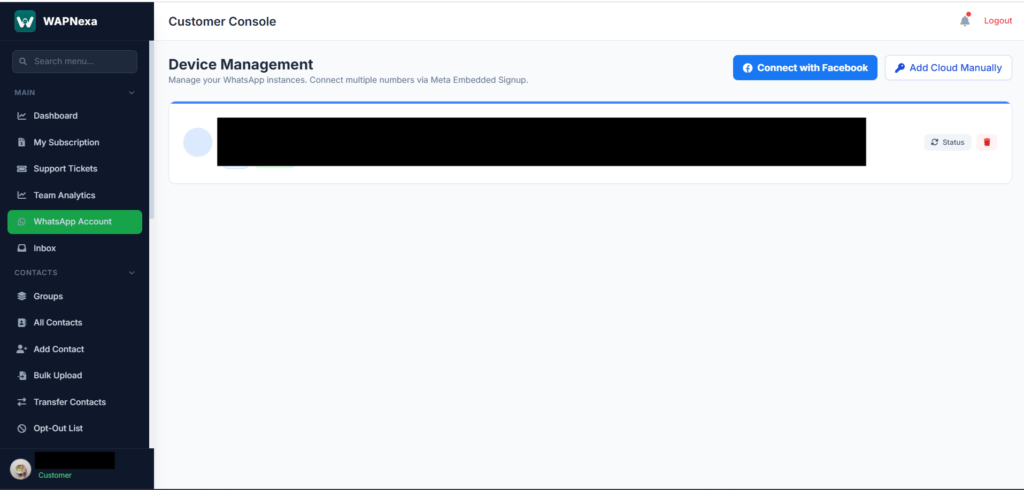
Connect Multiple WhatsApp Accounts
Manage one or more WhatsApp accounts securely from a single dashboard.
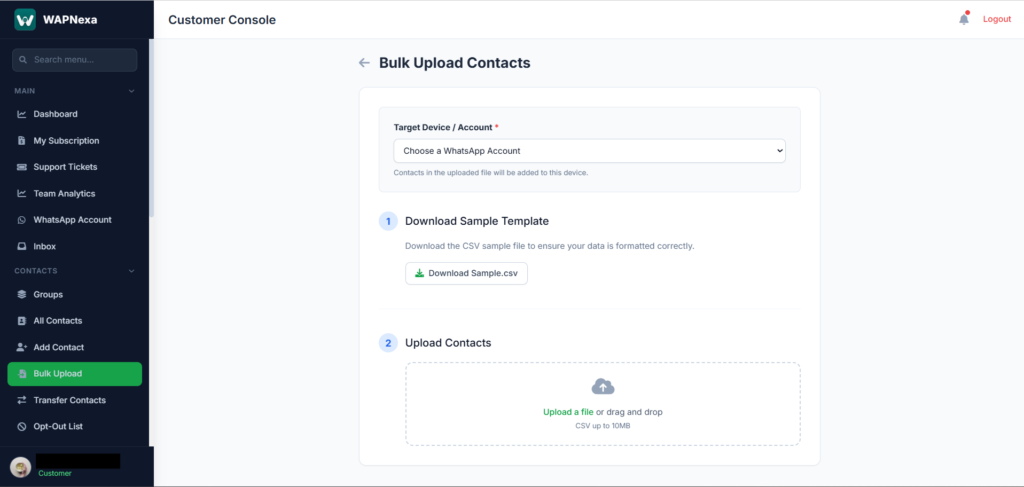
Quickly upload contacts using Excel (.XLSX) or CSV files.
Organize contacts into groups for targeted and personalized campaigns.
Send personalized text and media messages to thousands of customers.
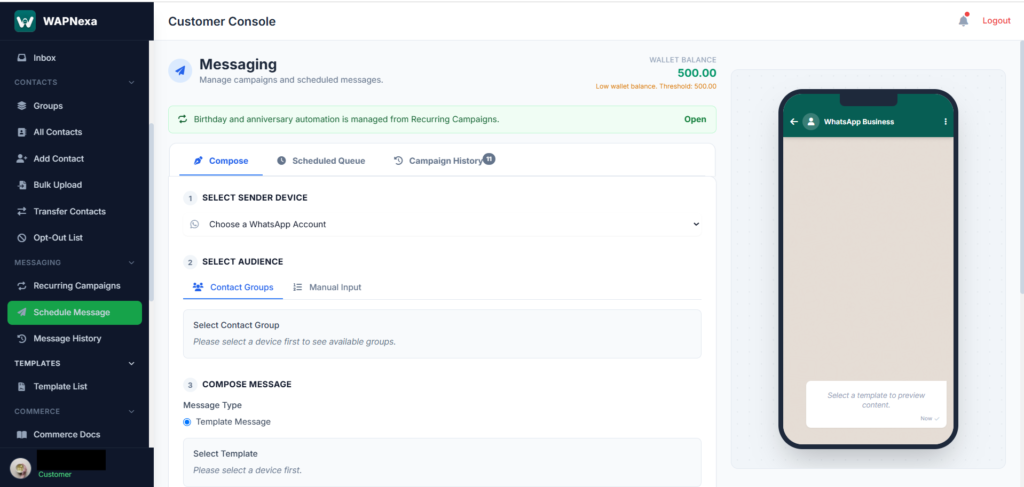
Schedule campaigns in advance for automatic message delivery.
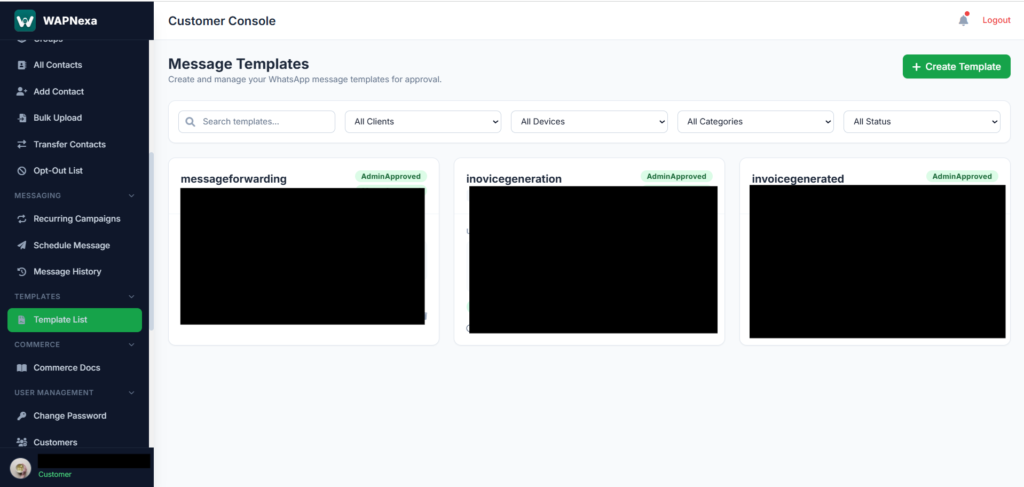
Create reusable templates with dynamic placeholders for faster communication.
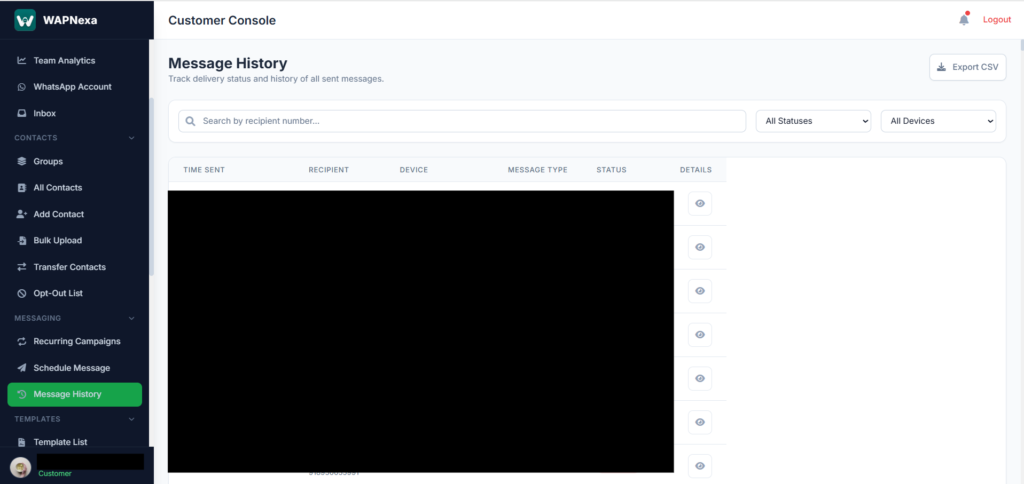
Track message status, delivery reports, read receipts, and campaign performance.
Access your WhatsApp Marketing platform anytime, anywhere through a secure web browser.
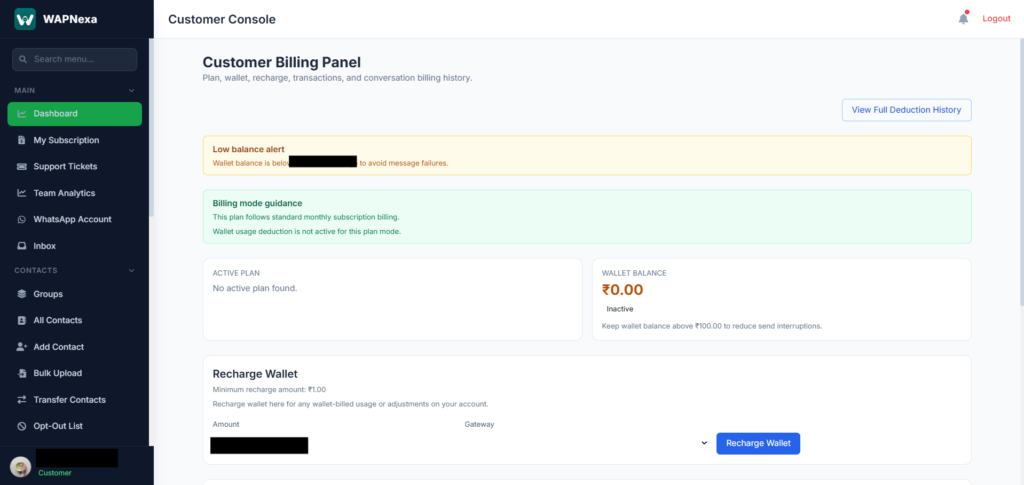
Access all marketing tools through a modern, browser-based customer console.

How It Works

Step 1 — Sign In to Your Account

Log in to your secure customer dashboard to access all WhatsApp Marketing tools and manage your account from anywhere.

Step 2 — Connect Your WhatsApp Account

Link your WhatsApp account by scanning the QR code. Once connected, you can start managing campaigns and customer communication.

Step 3 — Import & Organize Contacts

Import contacts using Excel/CSV files or add them manually. Organize your audience into groups for targeted messaging.

Step 4 — Create Message Templates

Design reusable message templates with text, media, and dynamic placeholders for consistent communication.

Step 5 — Create & Schedule Campaigns

Choose your sender account, select contact groups, compose your message, and send it instantly or schedule it for later.

Step 6 — Track Campaign Performance

Monitor sent, delivered, failed, and scheduled messages through the Message History and Reports dashboard.

Step 7 — Manage Customer Communication

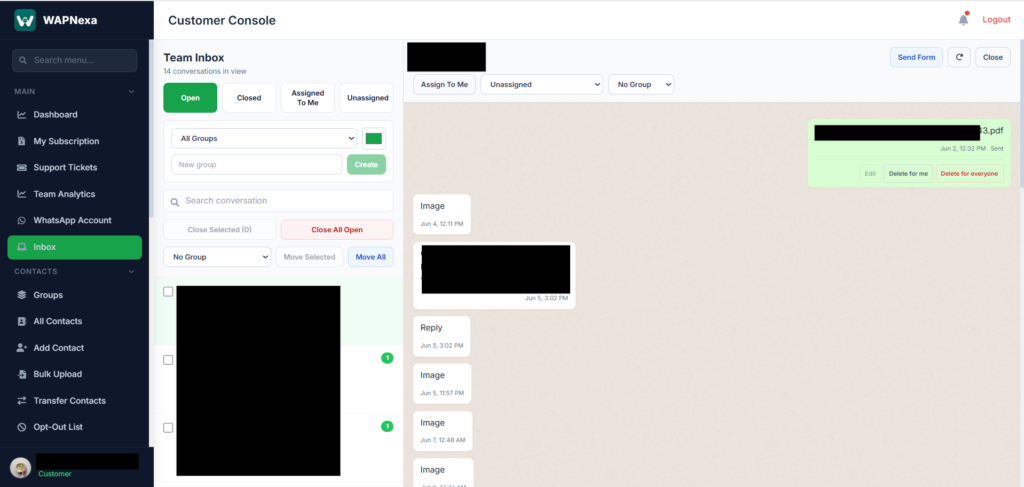
Handle incoming conversations through the Inbox, manage opt-out requests, and keep your customer database organized.

Step 8 — Integrate & Scale

Connect your CRM, ERP, or other business applications using Webhooks and APIs to automate workflows and receive real-time updates.

1 Why Choose Us?

  • Over a decade of software development expertise.
  • Proven experience in WhatsApp Marketing solutions.
  • Developer of both Desktop and Cloud-based WhatsApp Marketing platforms.
  • Continuous product innovation and updates.
  • Secure, scalable, and reliable architecture.
  • Trusted by partners and businesses across multiple industries.

2 What comes in Item support ??

Item support includes:

  • Availability of the support to answer questions.
  • Answering technical questions about item’s features.
  • Assistance with reported bugs and issues

3 For Support,Quries, Doubts, suggessions …